RO EN

Free QR code generator

Generate a QR code for a link, text or contact details in your browser and download it as PNG or JPG.

Create and download a QR code

Generate a QR code for a link, text or contact details in your browser and download it as PNG or JPG.

QR codes can be used for websites, digital menus, business cards or promotional materials.

How to use QR codes: Practical guide for beginners

Have a question about your project?

Contact details
1. Is the generator really free?

Yeah, totally free. You can generate as many QR codes as you want, without any cost or record.

2. How do I create a free QR code?

Enter the link (with https: / /... at first) or text desired in the above generator, then press the 'GENERERETES COD QR' button. The QR can be instantly downloaded into PNG or JPG.

3. In what format can I download QR code?

Currently, you can download the code in PNG format (ideal for digital use) and JPG (suitable for basic prints).

For high-quality professional prints, contact us to generate a vector format code (SVG, PDF).

5. Can I use the QR code for my website?

Yes, you can use QRl for any link, text or digital information you want to make accessible quickly.

6. Can QR codes be used in print?

Yes, the download QR at 1000 × 1000 px can be used on flyers, business cards, banners or other printed materials.
If you need other dimensions, special formats (SVG, PDF) or Custom advertising banners with QR codes for your business, you can contact us and we make them personalized (for cost).

7. Can I change the color of the QR code?

Currently, the generator only offers black QRs on white background for maximum compatibility.
For custom codes (with logo in the center, brand specific colors, special forms), we offer custom design services. You can contact us for an offer.

8. Does the code generated expire?

No. Once generated, the QR code is static and will work endlessly as long as the link or text inside is still valid. If the link changes, a new code will have to be generated.

9. How do I test if my QR code works?

The easiest thing to do is to use your phone's camera. Open the camera, orient it to the code (on the computer screen or printed) and a notification should appear or the link should automatically open.

4. Does QR codes work on any phone?

Yeah, most modern phones can scan QR codes using the camera app or any QR reader app.

Examples of QR code banners

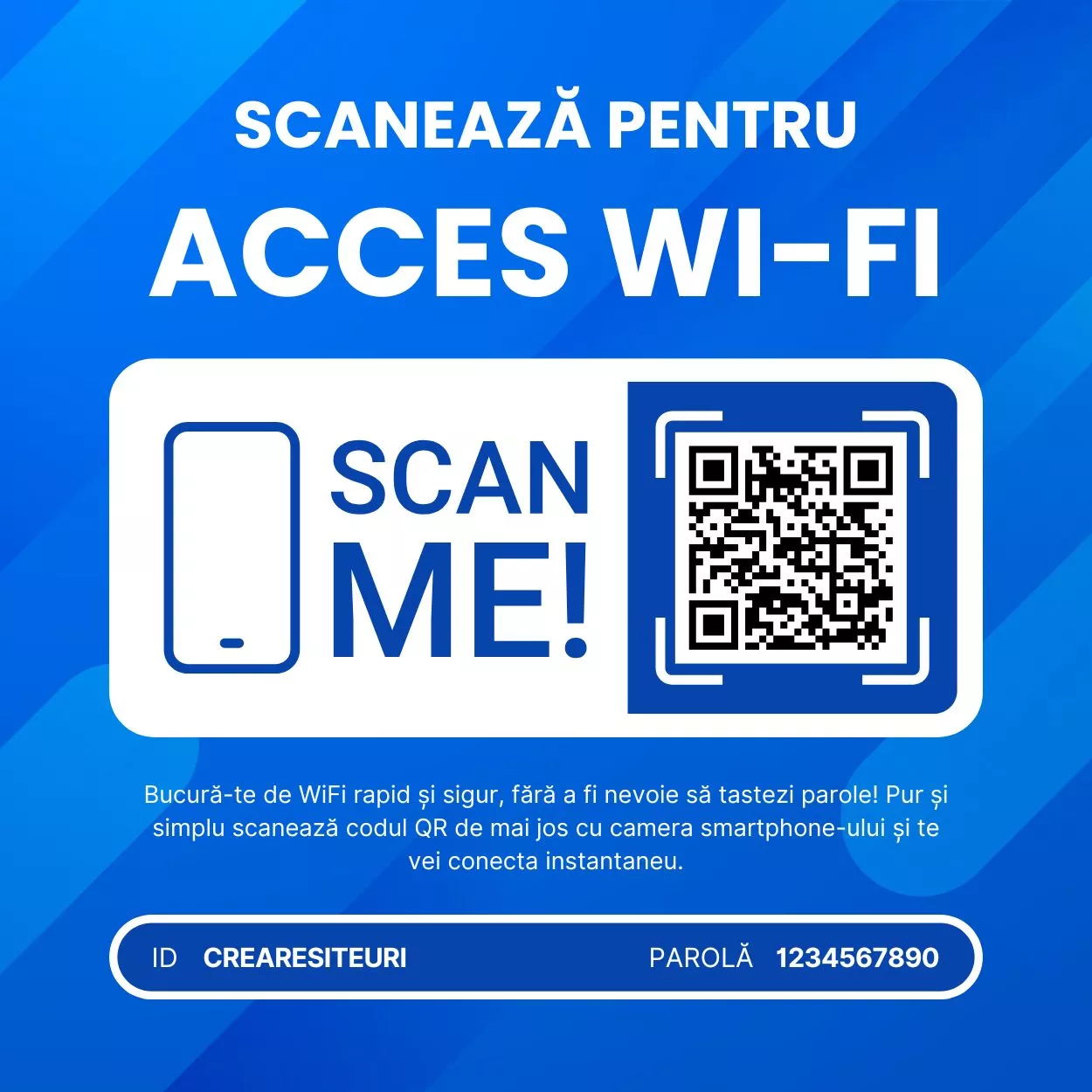
A QR code takes customers straight to a booking page, menu, portfolio or Wi-Fi network. See how these options look on promotional materials, at an entrance or on a table.

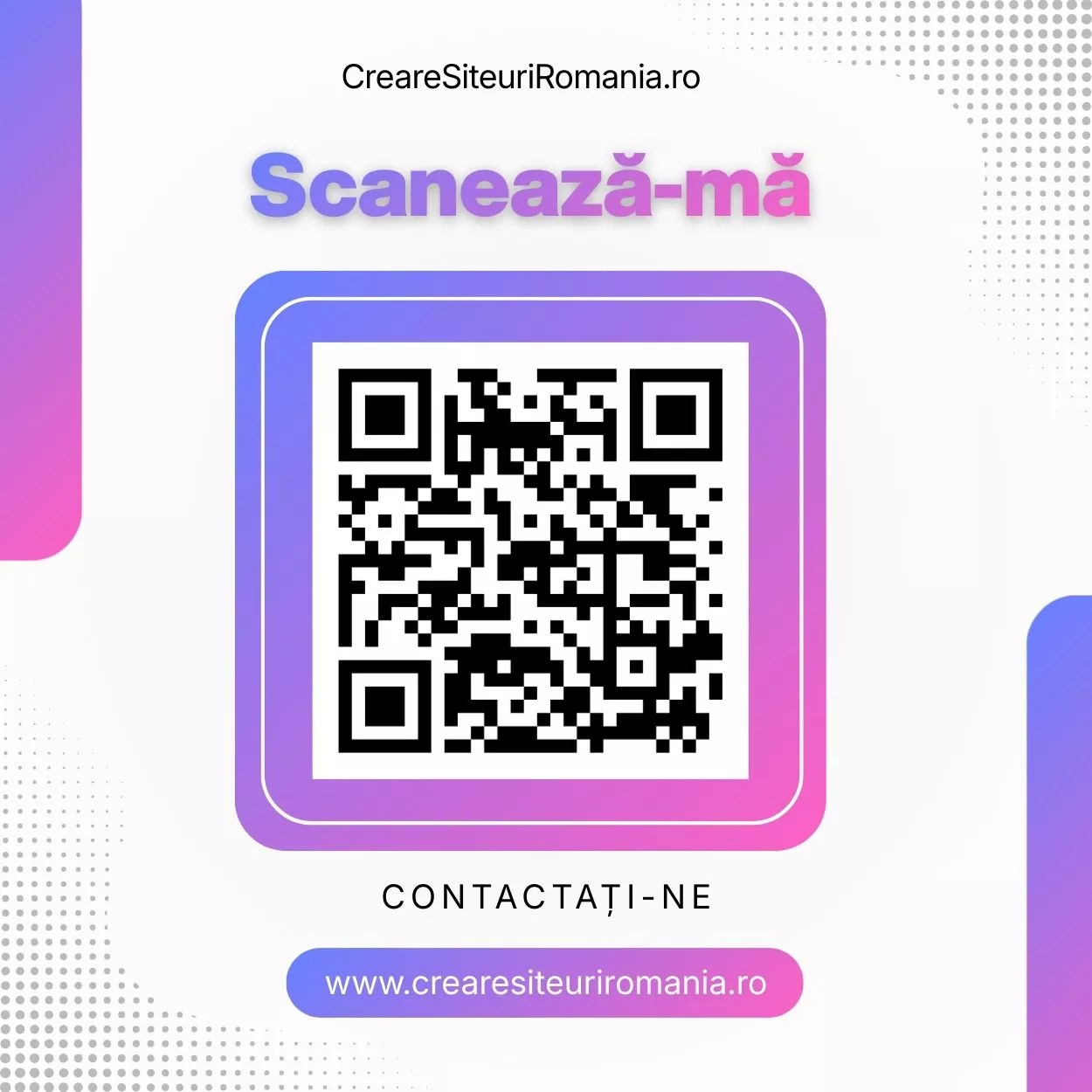
Promotional banner QR code

Promotional banner with a QR code

This banner includes a QR code that sends directly to the website CreareSiteuriRomania.ro, allowing users to quickly access web design and development services directly from your phone. It is a simple and effective example of promoting a website using QR codes on promotional materials.

Banner QR code for porfolio website

QR code for the TavanStyle portfolio

A banner designed to promote the TavanStyle website, which includes an optimized QR code for quick scan on your phone. This type of banner is ideal for flyers, posters, advertising banners or exhibition stands, where users can access the company's website instantly.

Banner QR code for online programming

QR code for online bookings

In the area of services (barbers, salons, beauty centers), waiting time means lost customers. A QR code placed in the window or mirror, which leads directly to an online programming platform, simplifies the customer's life and optimizes your agenda. "Scan and choose your preferred time" is a powerful call-toaction.

Banner for WiFi access to public spaces

QR code for Wi-Fi access

Smart cafes and restaurants in cities such as Cluj, Timisoara or Iasi already use this method. Instead of having a sheet with a complicated password, they have a little sign on the counter with a QR code and the text "Connect to WiFi." Customers appreciate the gesture and feel welcome.

Banner for digital menu in restaurants

QR code for a digital menu

Another common example is the QR code that replaces the classic menu. On each table, a small support with the text "Menus of the Day." The client scans, sees the offer, and the restaurant saves time and resources. We have created such solutions for clients in the field, integrating the code into an attractive design, which complements the atmosphere of the location.

Binner QR code for the website

QR code for the TavanStyle website

A banner designed to promote the TavanStyle website that includes an optimized QR code for quick scan on your phone. This type of banner is ideal for outdoor labels, posters, advertising banners or exhibition stands, where users can access the company's website instantly.

QR codes and banners that match your brand

Send us the link and tell us where the code will appear. We can prepare print-ready SVG or PDF files at the right size, or design a complete banner for your campaign.

Essential storage
We remember your choice in this browser for 180 days.

Cookie policy